2008.03.16 - Progress: Like Regress, Only Forward!

It’s been tricky to make much progress these last couple weeks – having a (non-gaming) coding job and being able to come home and work gets tricky, so a large majority of my game coding time is weekend time. Also, couple some deadlines at work, and you’ve got a large case of “I don’t want to code when I hit home.”

However: I did make a good deal of progress these last few weeks.

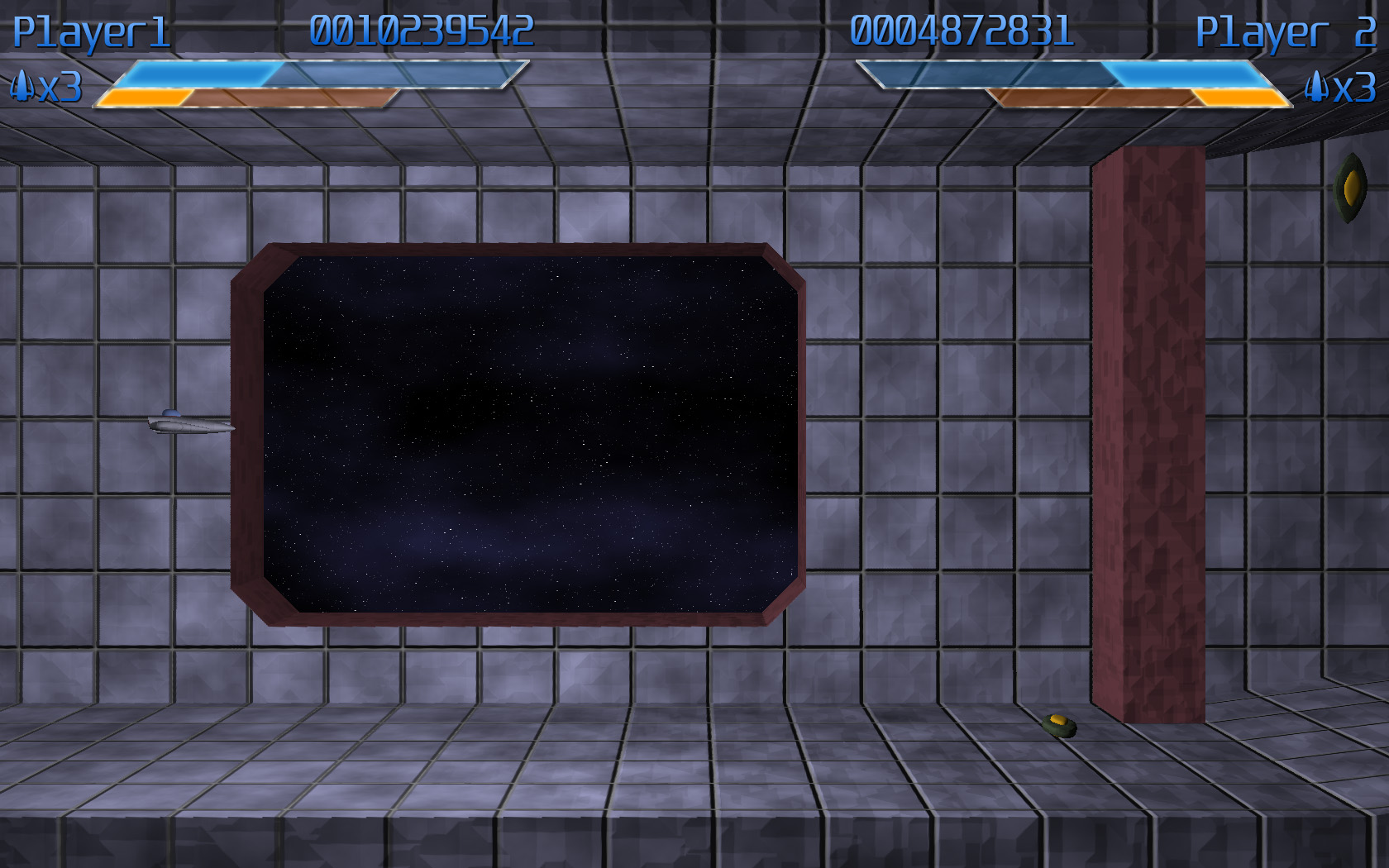
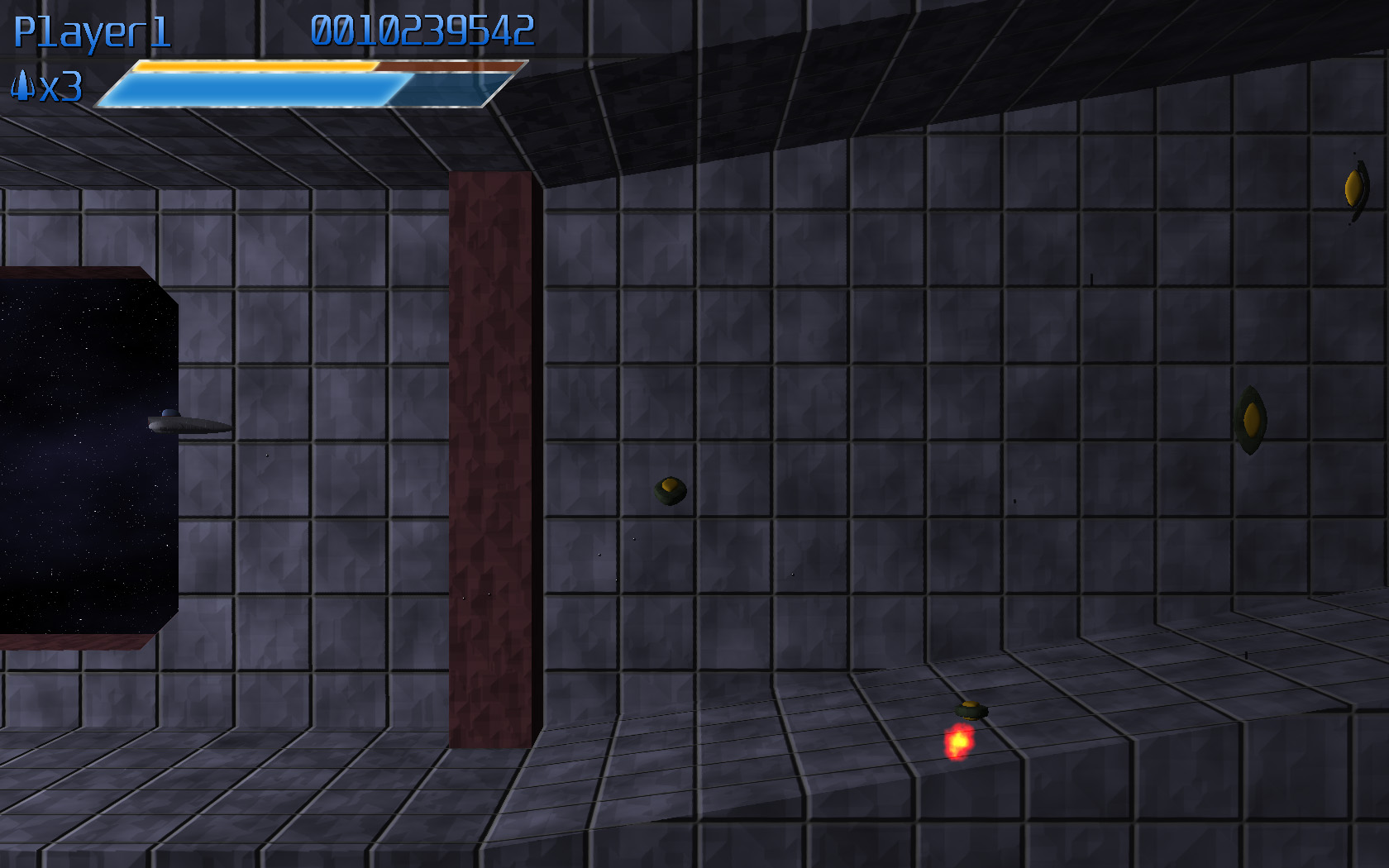
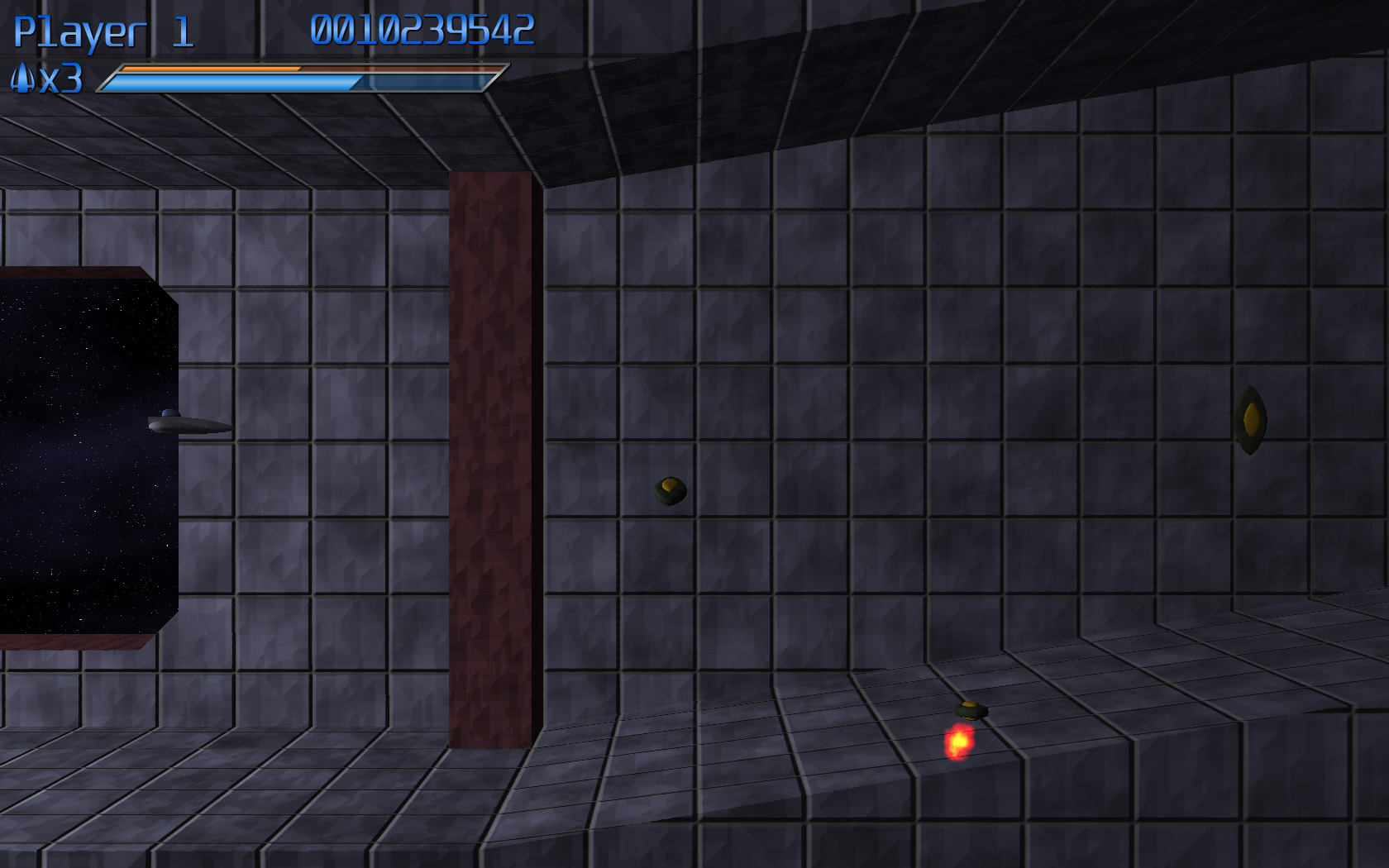
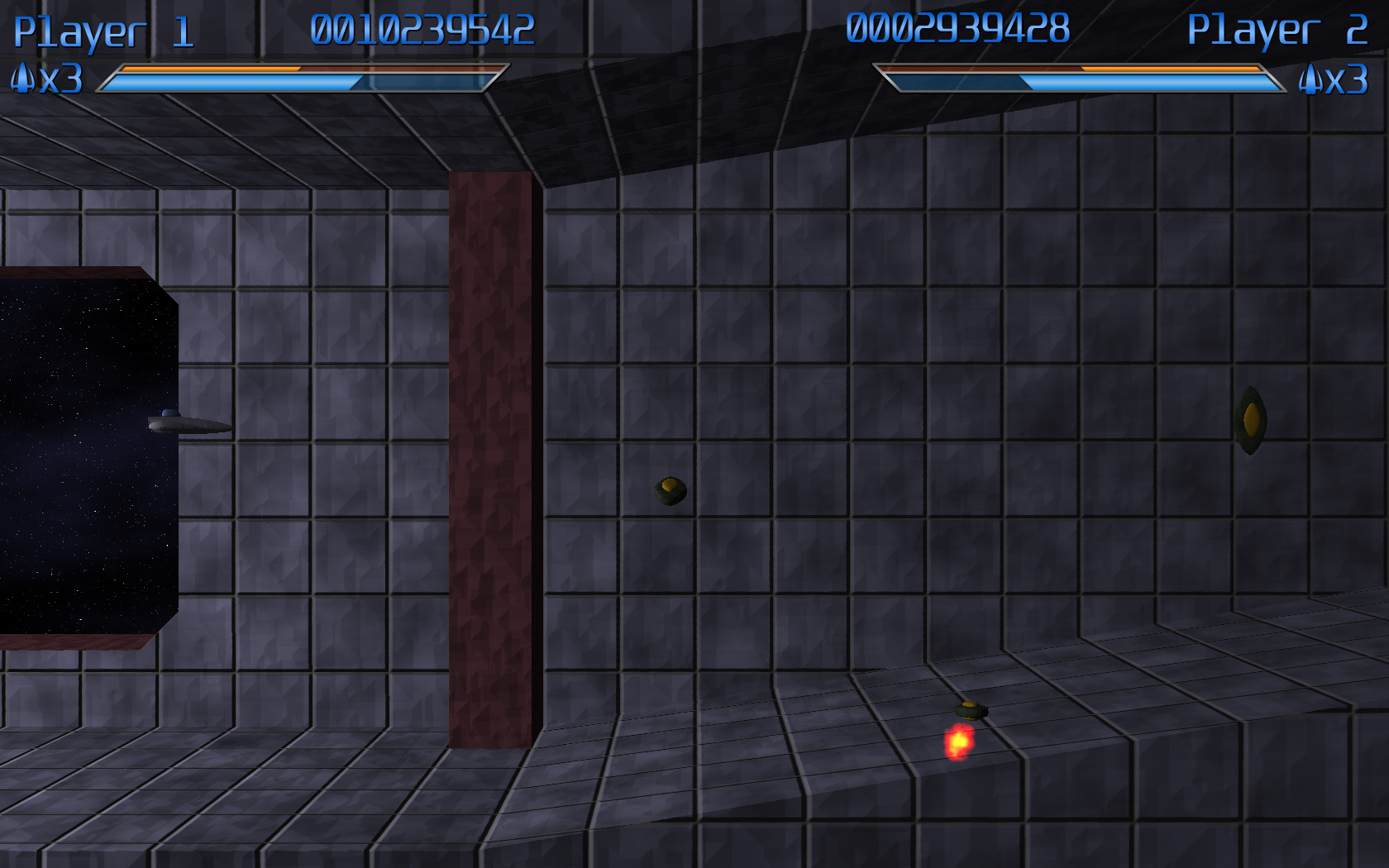
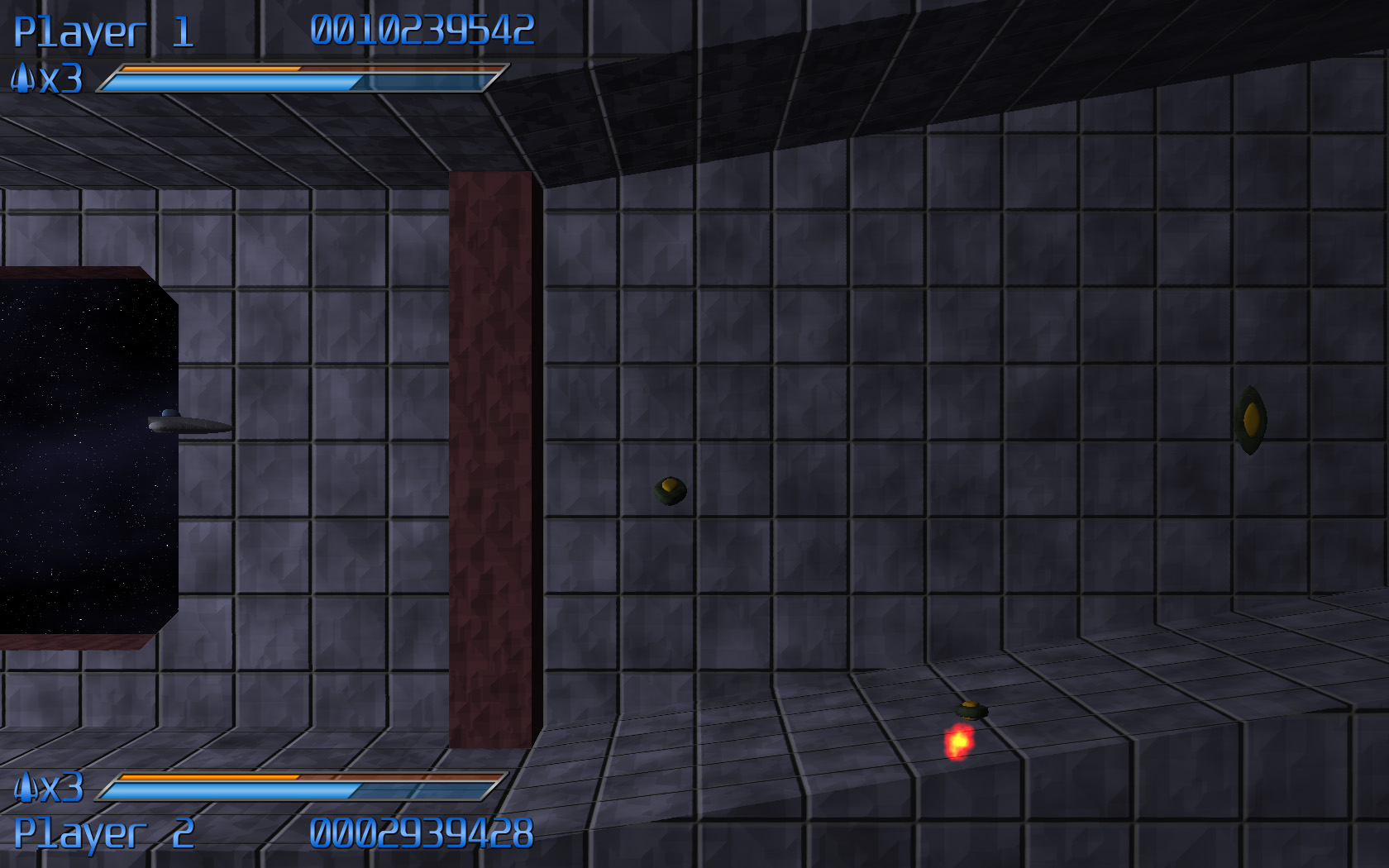
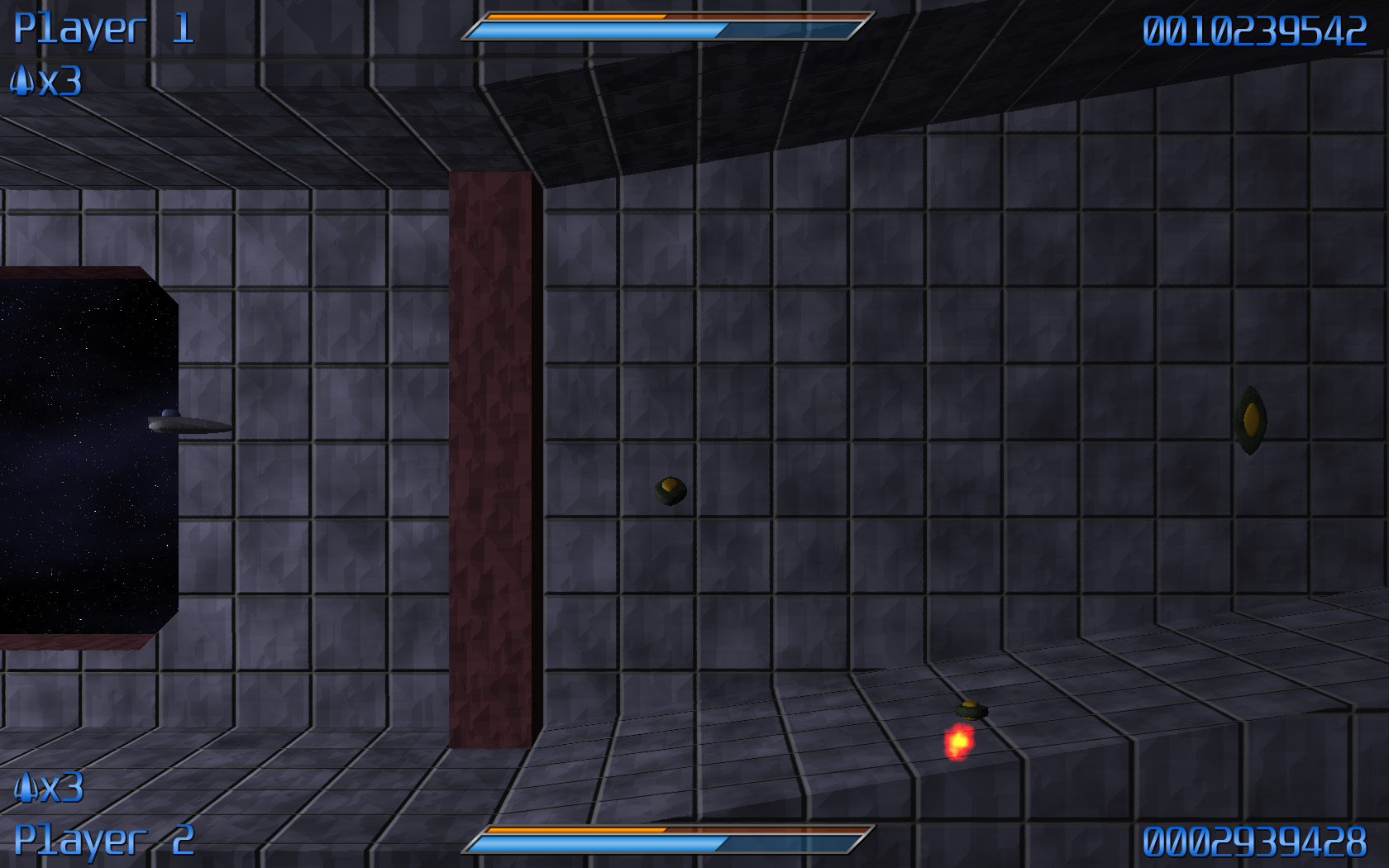
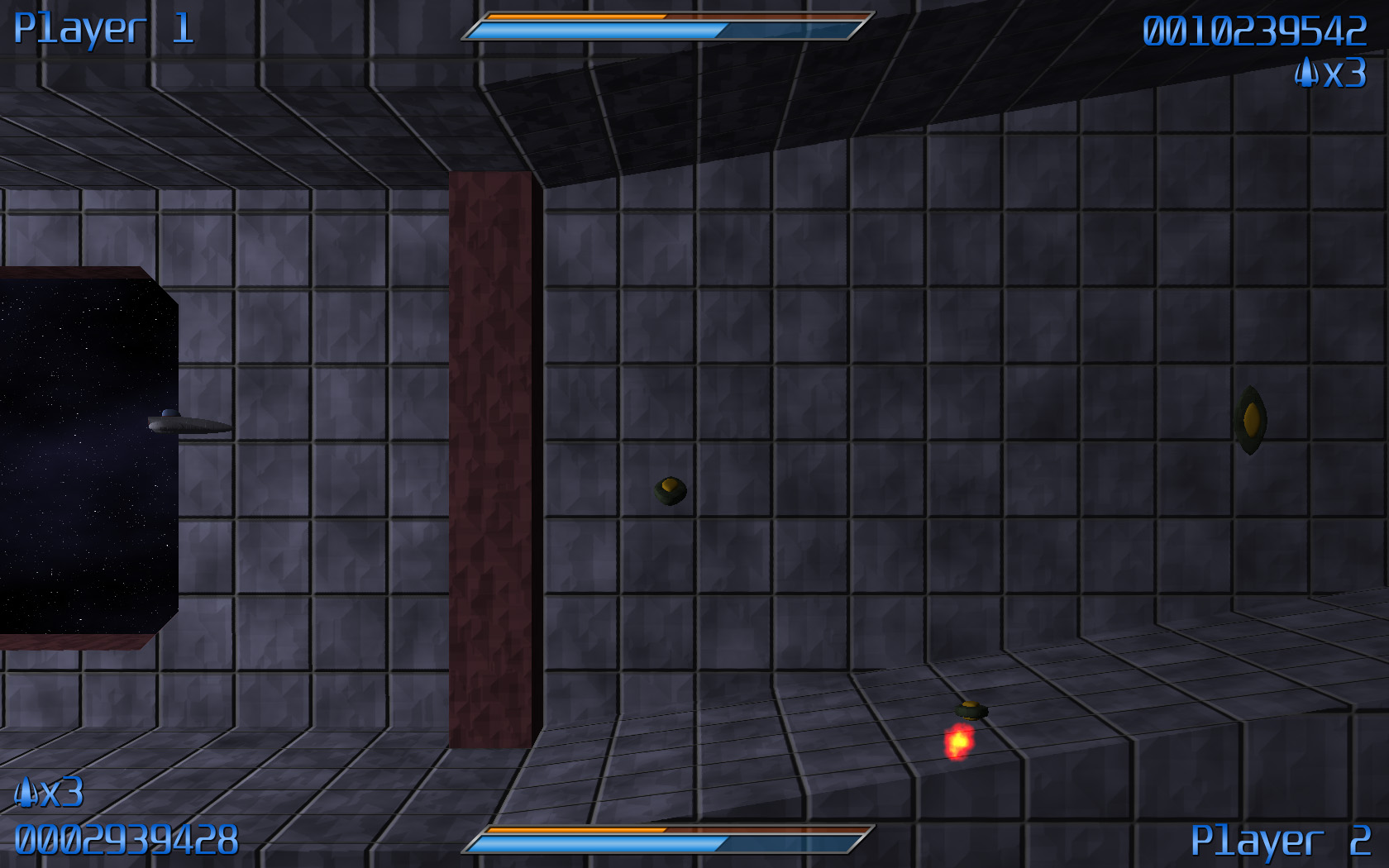
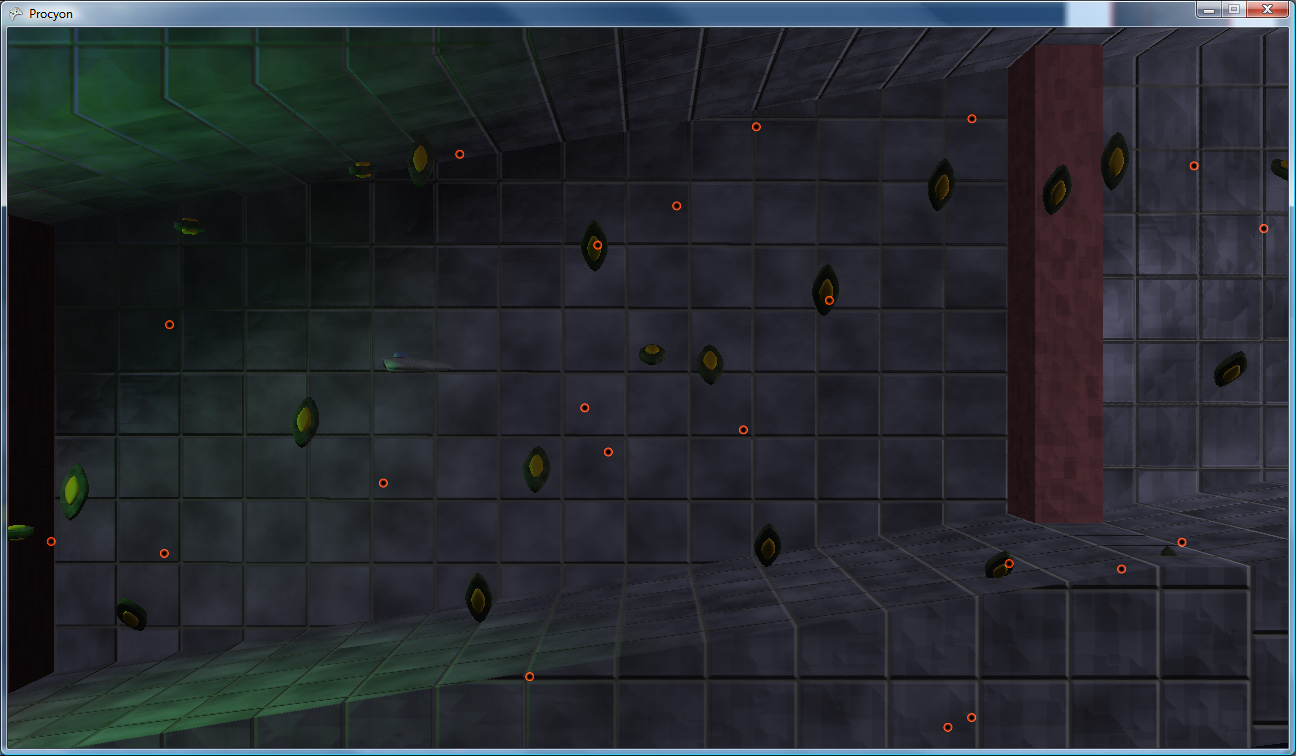
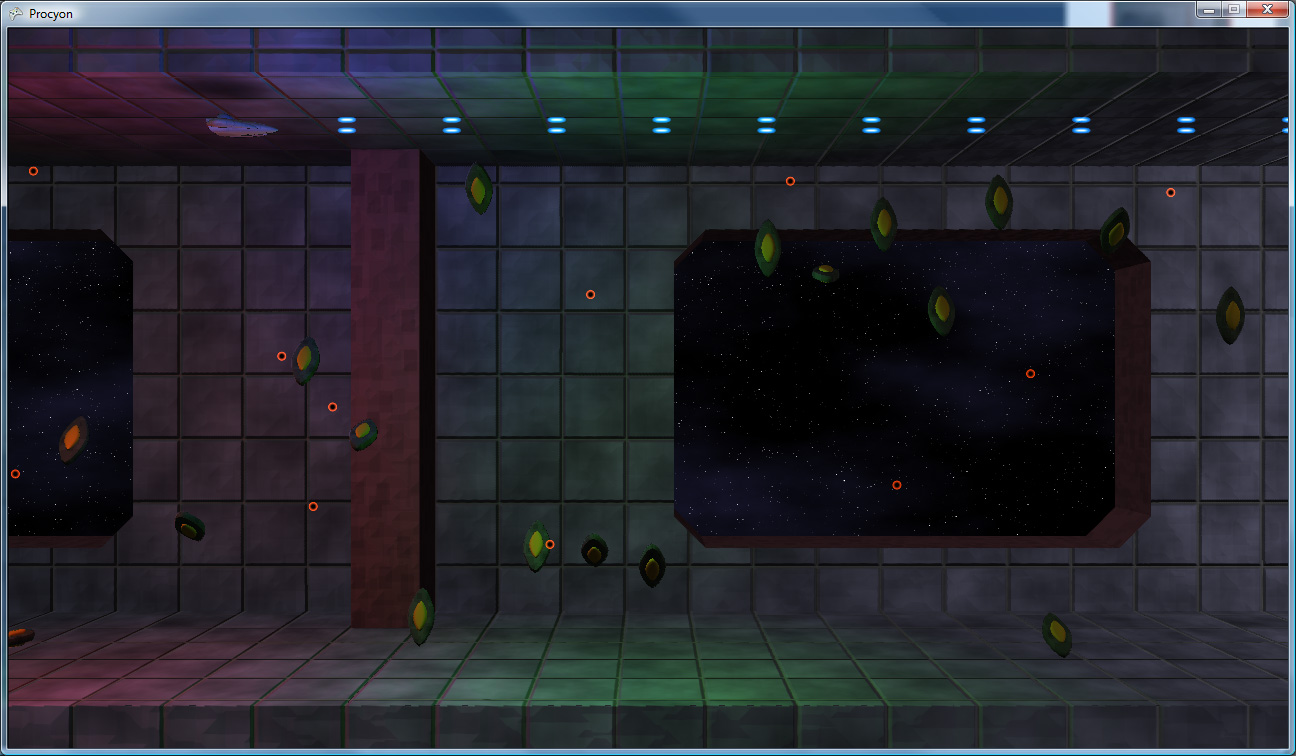
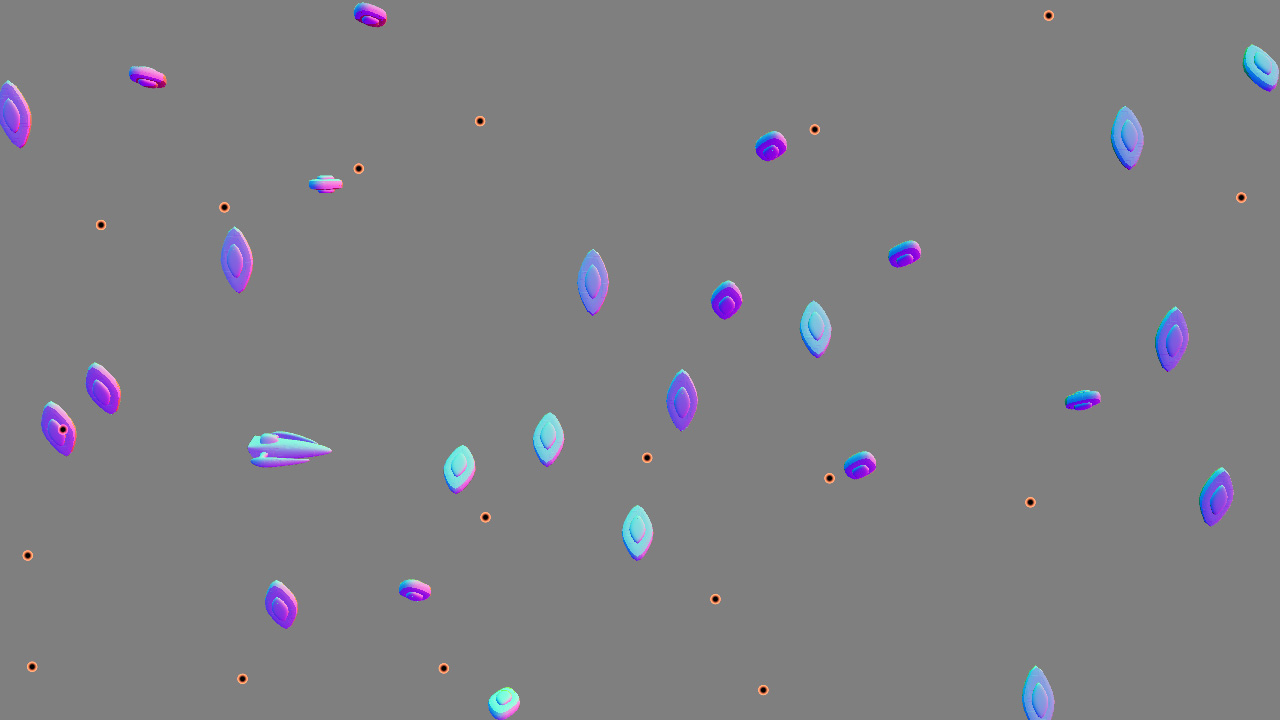
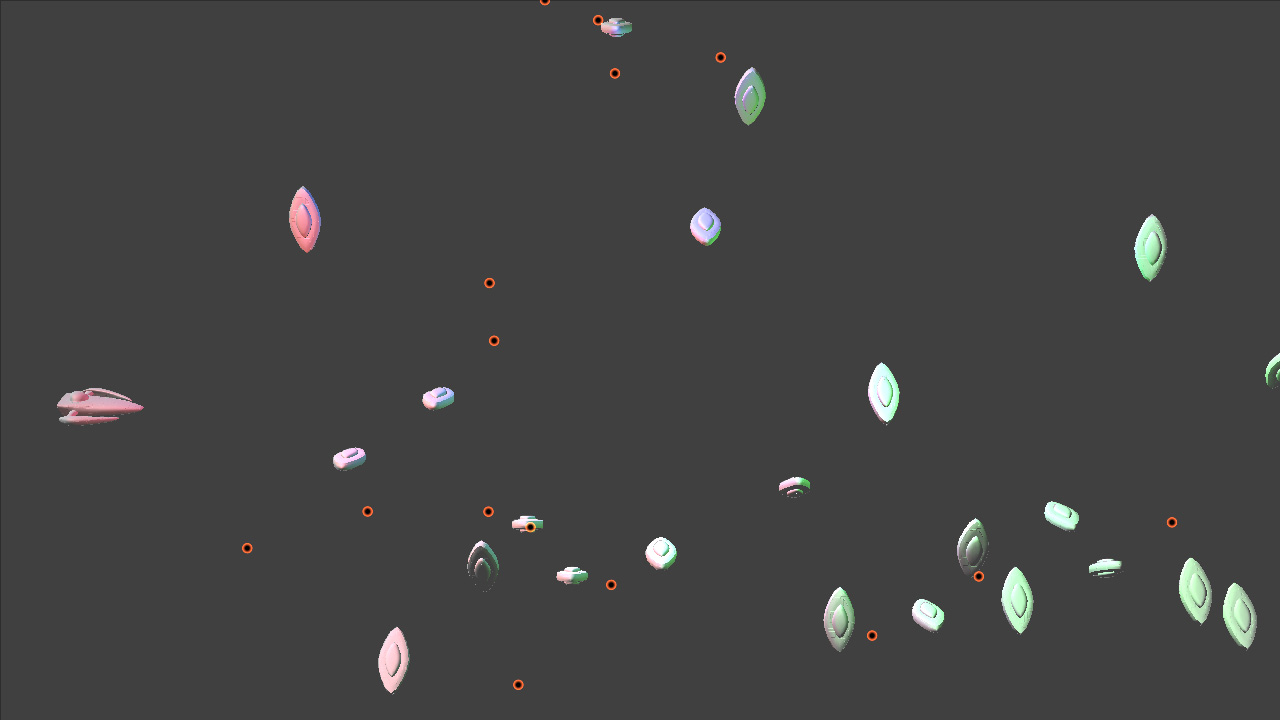
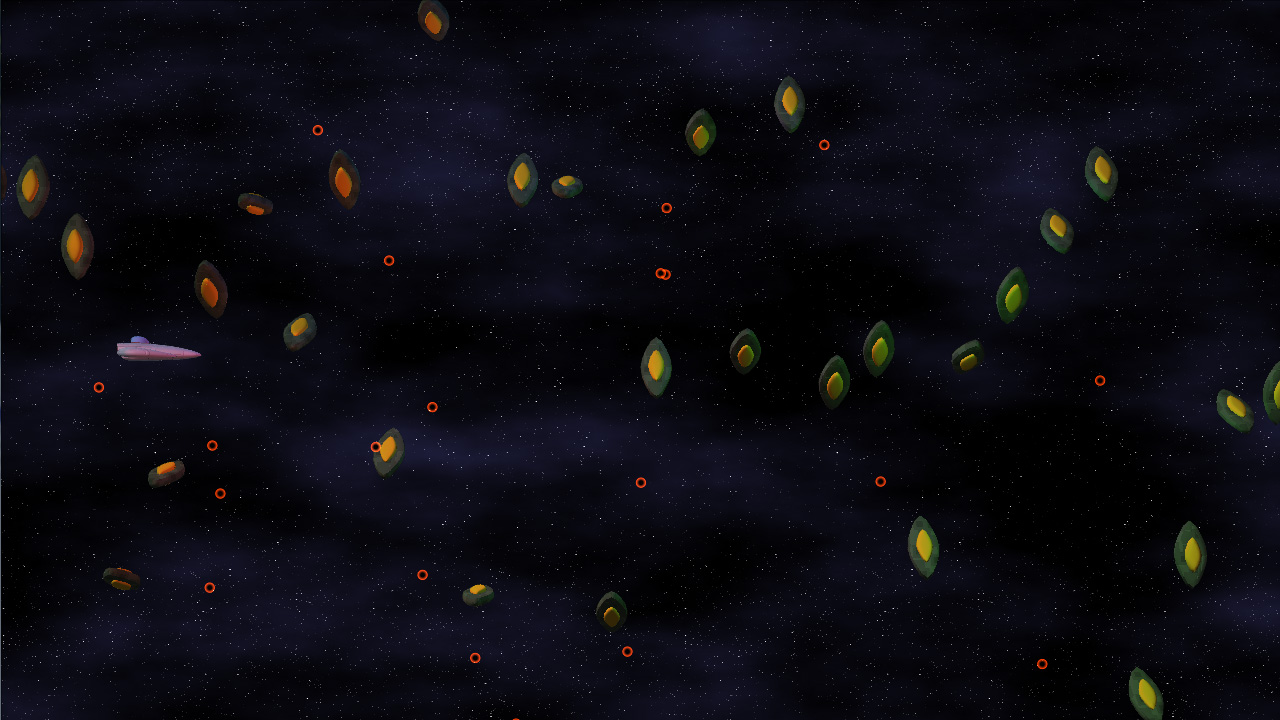
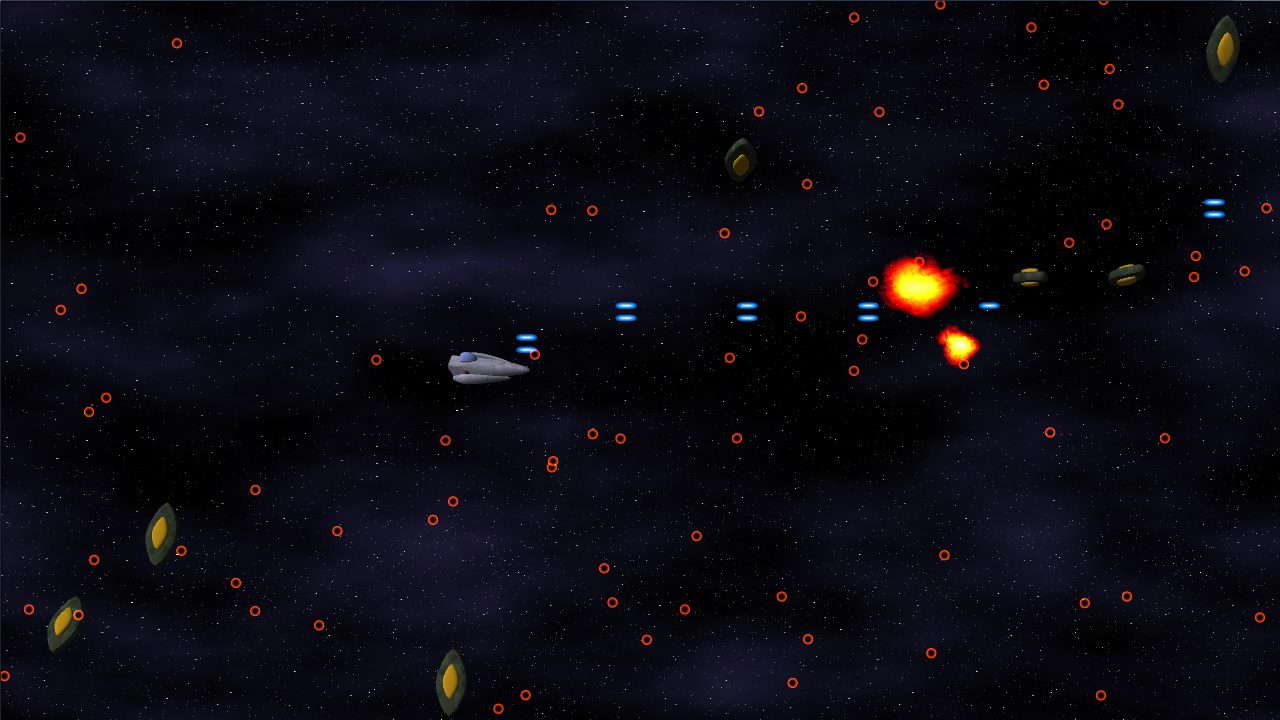
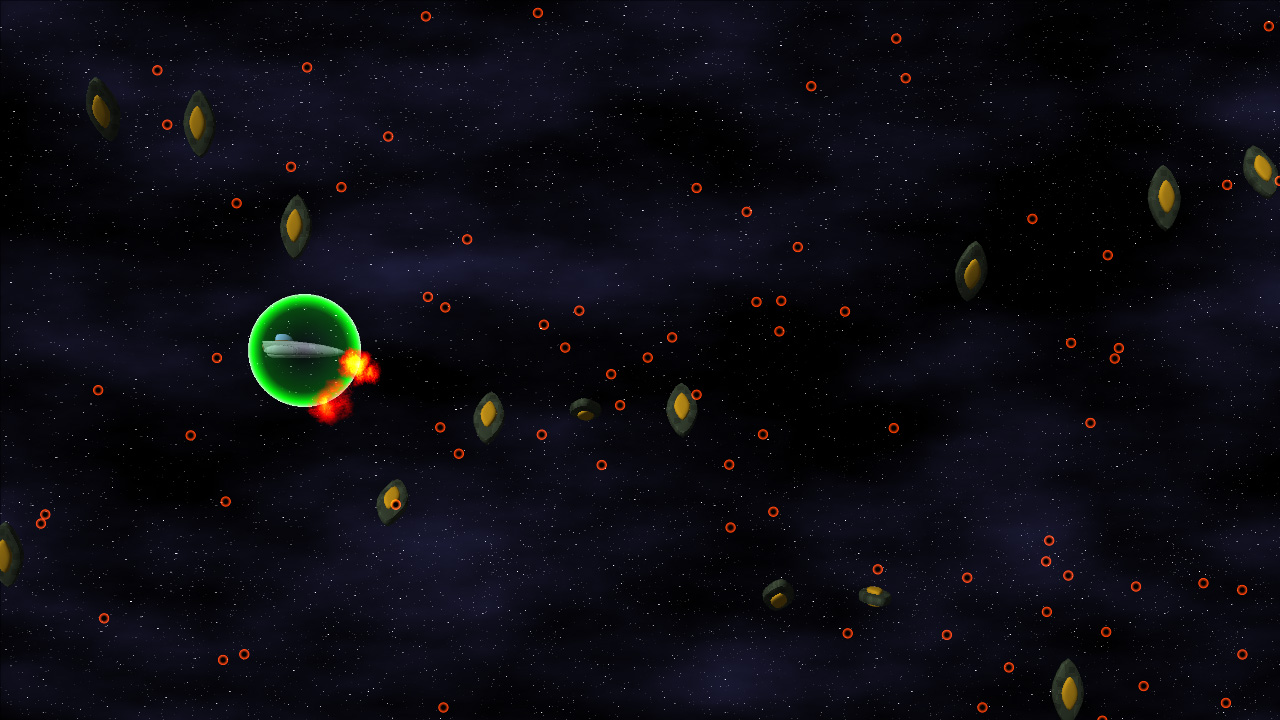
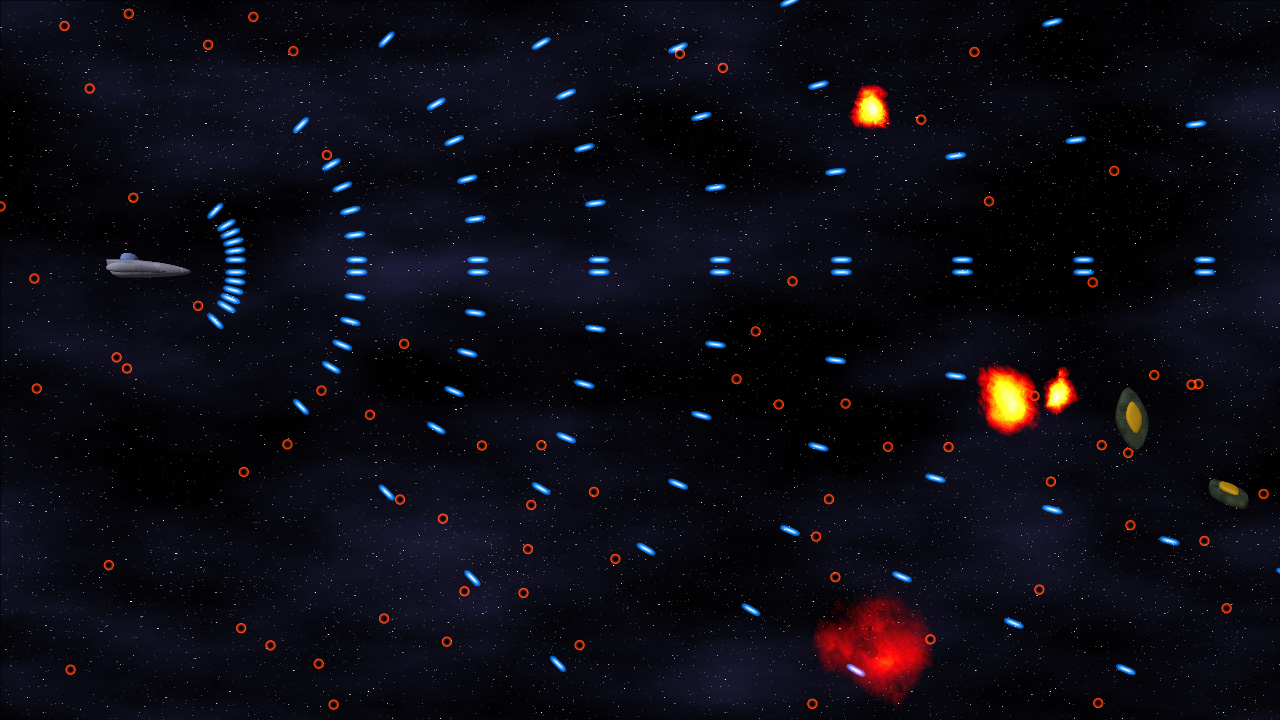
If you look at the screenshot in my last entry, it should be plain exactly HOW MUCH. Suddenly, my little experiment looks considerably like a GAME.


Click to enlarge

Also! GAMEPLAY VIDEO!
High Quality Xvid, 32MB
Low Quality Xvid, 3.5MB

Particles Make Me Sneeze

The biggest hurdle for this section of the project was the general-purpose particle system. Even though I’ve done a bunch of crazy graphics-related stuff, a particle system has NEVER been on that list. But no longer!

For my particles, I wanted the following data:

  • Position (3D)
  • Rotation (around Z)
  • Image Index (which image in the particle map to use)
  • Scale (how big the particle is scaled, relative to the particle map’s specified world size)

The particle map mentioned in that list is a simple list of texture coordinates into the particle texture (Which contains images for all of the particles), as well as the size of a given particle in world space.

The particles in this system are actually rendered using shader constants (2 float4 shader constants per particle), which gave me right around 100 particles per draw call. On my PC, I can push the system up to 24,000 particles before it starts to slow down. On the Xbox 360, it’s closer to 6000. Both of those are well within my game’s target maximum of 2000 particles, and I could probably get that number higher if I had to.

The State Machine Tells Way Fewer Lies Than the Political Machine

One thing I learned when working on Mop of Destiny was how to set up a totally sweet state machine in C++. I got to port those concepts over to C#, which made it even EASIER, given all of the reflection support. Note that I do the majority of the reflection calls at application startup, so the expensive calls are already done when it’s time to do the actual game running.

Each state can have three functions associated with it: Begin, Tick, End.

Begin is called on the transition to that state from some other state.
Tick is called every time the state gets run (once per frame)
End is called on the transition from that state to some other state.

Also, each state can have a number of transitions associated. They take the form of: “BooleanFunction = TargetState”

Every frame, before calling tick, the state machine core will run each of the specified functions. When one of them evaluates to true, it switches states to the new TargetState, which will then be run (unless one of ITS transitions triggers). A state can also call the SetState function direction, but having the transitions in the function attribute makes it really easy to see where a state can transition to.

See You Later, Allocater!

One of the most important things that I have been doing with my code is ensuring that, during the run of a game level, no memory is allocated. At all. The reason is the .Net garbage collector (GC).

The GC, on Windows, is triggered every 2MB of allocations (among other scenarios, including low-memory and lost-focus cases). On the Xbox 360, the GC runs ever 1MB of allocations. Since the GC pauses all threads while it does its thing, it’s better that it’s never triggered during runtime…ESPECIALLY if the heap is complicated and garbage collection is going to take a while.

To handle this, I’ve created a few of my own data structures, including the OrderlessList<T>. I’ve used OrderlessLists alot throughout my code. Simply stated, it’s an array (allocated at the time of the object with some maximum number of elements) in which the order of the objects is unimportant (i.e. it can be reordered and it doesn’t matter). Given the property of being able to reorder at any time, removal from the list is a simple matter of copying the last list over the top of the element being removed, then decreasing the reported size of the list.

For the bullets (both the player and the enemy bullets), there’s an OrderlessList of live bullets, and an OrderlessList of dead bullets. Whenever a bullet is needed, an object is retrieved from the dead bullet list, given its properties, and added to the live bullet list. Whenever a bullet dies (goes off-screen or hits an enemy), it is deactivated and returned from the live bullet list to the dead bullet list. No allocations necessary.

That’s right, it’s the ol’ “pool of objects so you don’t have to allocate” trick. But hey, it works!

Rambling Is For Cowboys, Not Coders

Alright, enough talk! Tomorrow is another day at work, so it’s likely I won’t make any more progress until next weekend.

In the meantime, death is but a door, time is but a window; I’ll be back.

2008.03.05 - Mork Calling Drilian, Come in, Drilian

I haven’t had nearly as much time to get stuff done at home as I’d like, as work has been a bit of a scramble recently. Working ridiculously hard at a code-related day job and then coming home and trying to code is…difficult. And recently, highly unsuccessful.

However, this last weekend I was able to get a few things done.

Silos Are Not Just For Grain and Missiles

First up, I decided to check out Nevercenter Silo, a 3D modeling program that I swear has to be the easiest-to-use modeling software I have ever SEEN. For some reason, this software just completely clicks with me.

Maybe it’s that it allows me to start with something as simple as a box and push/pull/extrude/warp/etc it slowly into the shape that I want, or maybe it’s that it has built-in support for symmetrical modeling (you basically model HALF of a model and the other half changes shape along with it). It’s hard to say. However, it feels more like sitting down with clay and slowly morphing it into the shape that I want vs. the usually-cumbersome task of modeling a 3D mesh.

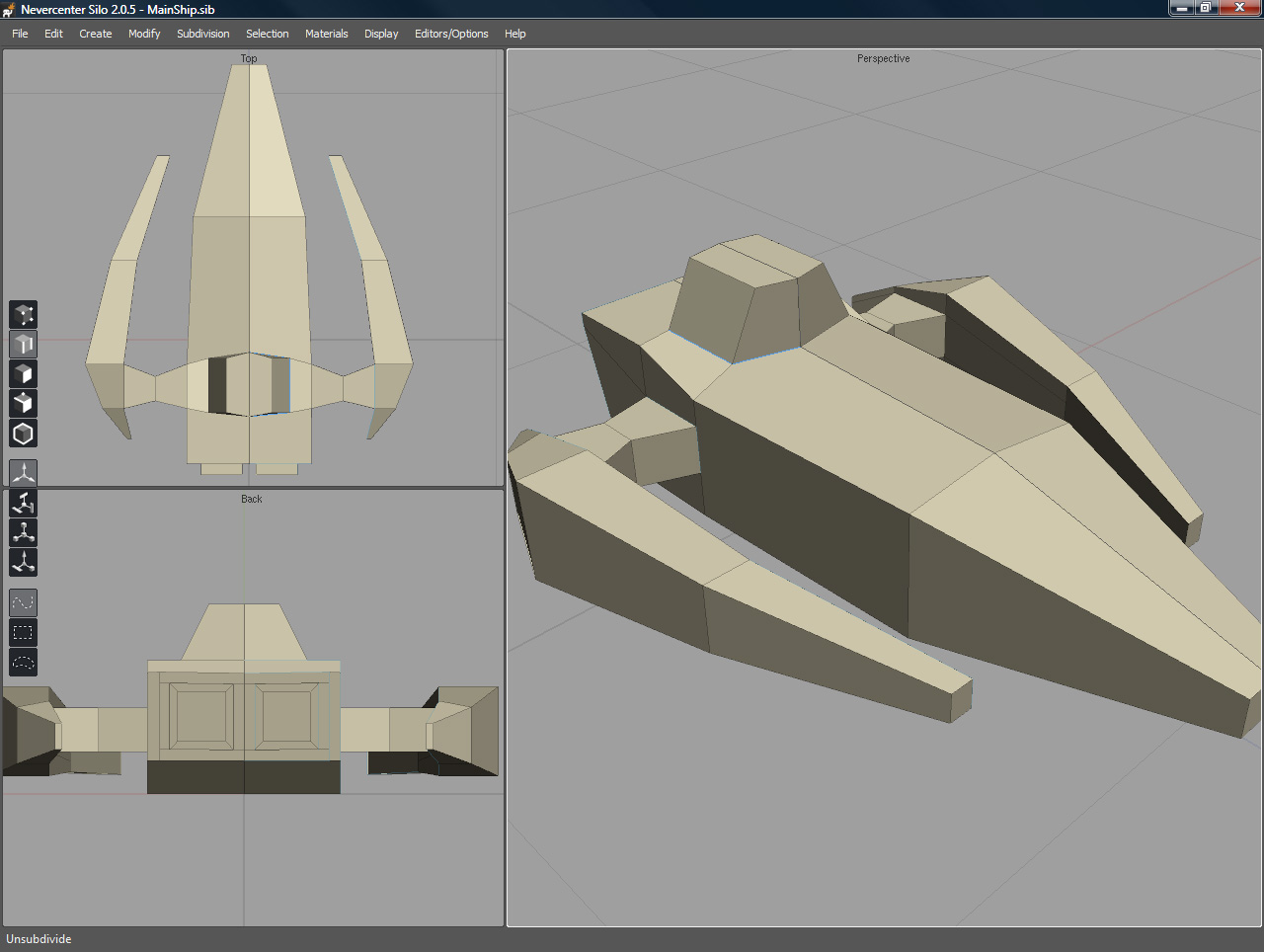
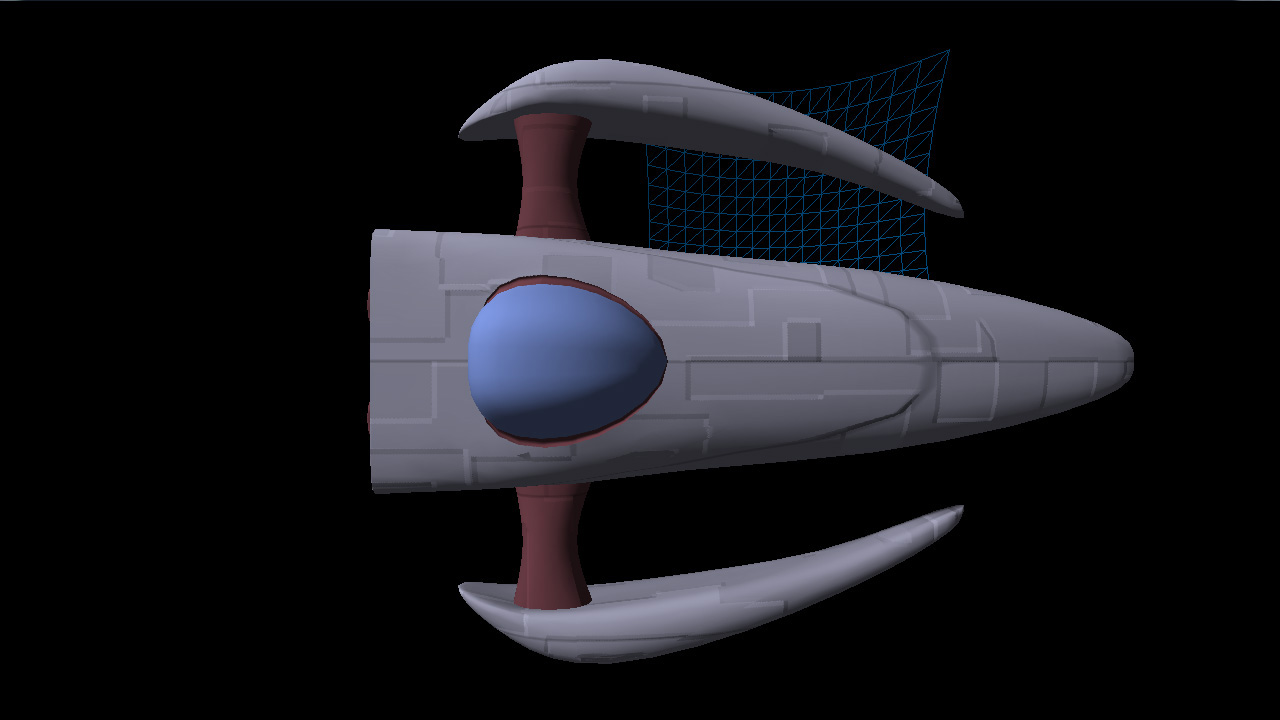
Consequently, not terribly long after I got it, I modeled what will likely be the first ship for my new game!


Click to enlarge

I used subdivision surfaces to do the modeling, so the source geometry (pictured to the left above) is actually rather simple. But when subdivided, it forms (what I think is) a pretty cool-looking spacecraft.

S.S. Procedural Is Leaving Port

I also managed to get my procedural content (textures, mostly) generation ported over to run on XNA (from C++, so it was a bit of work). Since I’m aiming to release this game as part of the XNA dealy on the 360 (with an option for XBLA if I’m really, really lucky), I’ve been taking great care in ensuring that it is going to run well on the Xbox 360. So far, so good. I have background asset generation working, etc etc.

But more importantly, I have my ship model loading into the game.

AND it’s procedurally textured using my super-spiffo texture generation framework, so that’s awesome, too.

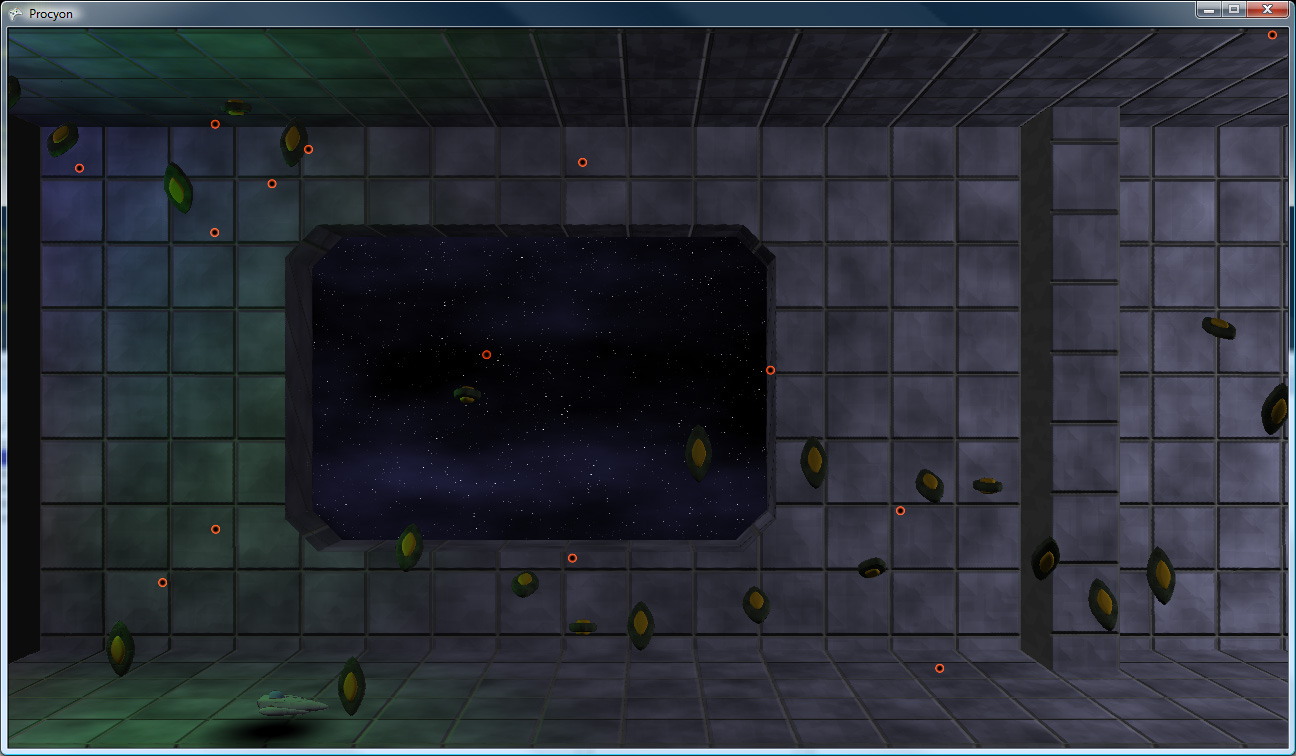
Check it: (Yes, that is a wireframe bezier patch in the background and yes, that means I’m also going to have procedural geometry generation)


Click to enlarge

So, to sum: not a lot of coding done (the overwhelming majority of that has been done at work), but I do finally have some pretty new screenshots!

2008.02.11 - One Year Later

It’s done! Finally, after over a year since its completion, Mop of Destiny gets its own webpage!

I had a really difficult time trying to figure out what the webpage should even look like, so I just kept putting it off, until last night when I was almost asleep, I had that “eureka!” moment immediately before dozing off. Luckily, I remembered my idea in the morning!

Also DrilNES 1.10 is released. I fixed up a few very minor emulation issues, added support for all of the 6502′s “undocumented” opcodes (i.e. the opcodes that just happen to work even though they’re really not supposed to), and modified the display a bit.

Now you can even make it look like a crappy old TV, if you choose! For, uh..nostalgia’s sake.

Enjoy!

2008.02.05 - DrilNES – This Space Intentionally Left AWESOME

HERE COMES A NEW CHALLENGER!

Inspired by Scet’s Tub of Awesome, I opted to continue work on my old emulator, DrilNES.
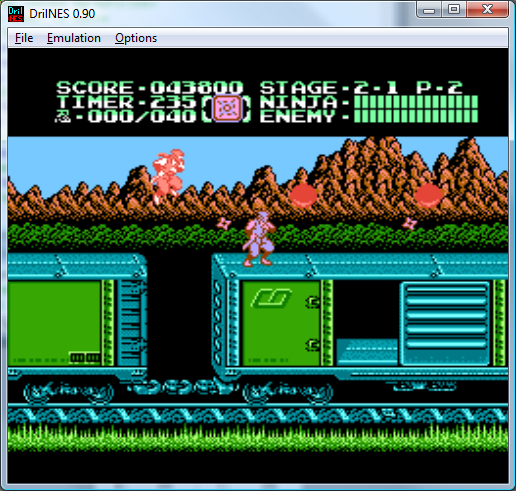
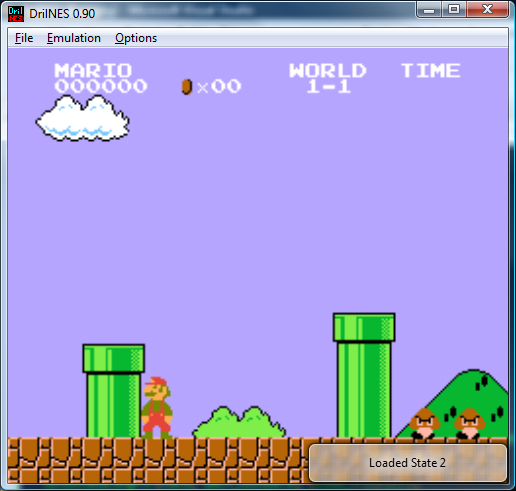
And here it is! DrilNES in all its glory! Note that it does not support PAL NES timing, it only runs NTSC games (so US and Japanese games only).


A Brief History of the World

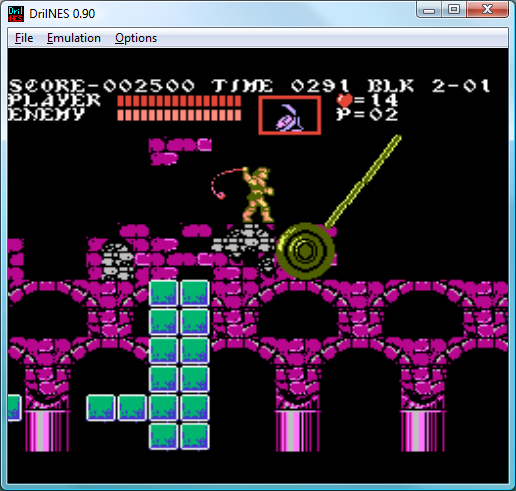
I first attempted to tackle NES emulation back in 1999. I had the goal of getting three games to be playable: Castlevania 3, Startropics, and Crystalis. Turns out, these three games are some of the harder games to emulate, due to the tricky nature of the cartridge hardware that they run on. However well it ran at the time, it was woefully inaccurate, and this bothered me. In mid-2004, I apparently decided to try again.

Emulator Action

The great thing about having started this project over in 2004 is that I have the entire history of the emulator’s development in SVN, so I can see exactly what I did, and in what order. Here’s a quick list of the hilights:

  • Wrote the CPU emulation code (runs opcodes, etc).
  • Got the PPU (pixel processing unit) up and running
  • Rewrote the CPU emulation code to be more accurate with regards to instruction length counting (all instructions now emulate every read and write of the instruction, even the unnecessary ones, and the CPU cycle is clocked on each memory access).
  • Added input and mappers. Mappers are emulators of the hardware that came IN the various cartridges. Originally mappers were just for memory mapping, but the hardware eventually added additional graphical, sound, and interrupt capabilities as well.
  • Added more mapper support
  • Added support for the color emphasis bits which…tweak the output color from the NES in various ways.
  • Added sound output.
  • Got various IRQs running (for interrupting the CPU at certain points in the audio playback or at certain scanlines)
  • Added savestates.
  • Added a custom rom open dialog, with a treeview and stuff
  • Even more mappers
  • Two-player support
  • Rewrote the MMC3 mapper from scratch, because the MMC3 code was nasty and ugly and I hated it. And it insulted my mother. And your mother.
  • IRQ fixes. At this point, judging from some…colorful SVN log comments, I was starting to hate IRQ work.
  • Set down the code for a year.
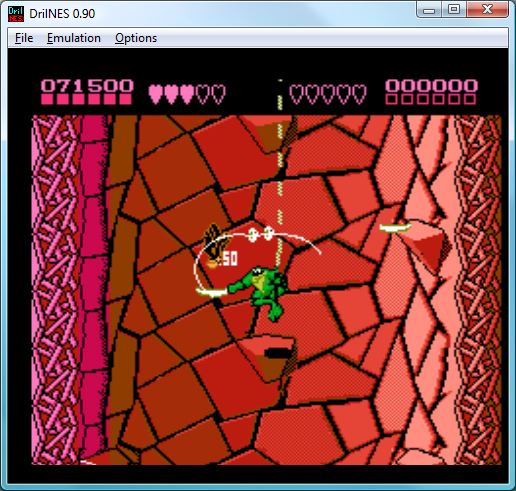
  • Complete PPU rewrite to be way more accurate. This was the point at which I was starting to hate Battletoads, which is probably the most touchy game when it comes to accurate timing.
  • Complete PPU rewrite. Yes, I know that is also on the previous line. I rewrote it again. Seriously.
  • Rewrote the PPU’s sprite access logic. STOP REWRITING ALREADY SERIOUSLY WHAT THE HELL
  • Rewrote the IRQ logic again. Ugh.
  • Rewrote the CPU. This time the CPU is awesome and infallible and will never need to be rewritten or even fixed ever again. Also, I think I was slowly losing my sanity.
  • Added a faster read of guaranteed in-ROM memory, without going through all of the IO handling code. I didn’t notice for over a year and a half, but this totally broke the accurate CPU timing that I had going for me.
  • Rewrote the CPU again. Apparently last time I was wrong. Boy this is awesome!
  • Stopped working on DrilNES for a year and a half. I’m not sure but I think I’d had enough.
  • Started last weekend! Multithreaded the emulator.
  • Added a whole bunch of GUI features (including ripping out the now-hideous custom rom open dialog that I added back in early 2005)
  • Added XInput support for 360 gamepads
  • Added the VRC6 mapper (with its additional sound channels) so that Akumajou Densetsu (Castlevania 3 Japanese) works!

As you can see, development was a tortured path, filled with rewrite…after rewrite…after rewrite…

The upside is that now it’s pretty accurate. It’s not perfect, I’m sure, but it’s pretty good and better than a large majority of emulators out there.

Vista-Specific Functionality

One thing that was fun to add was some Windows Vista-specific functionality. Mainly, when you load roms or save state, there are little popup windows that notify you. In Vista, they look like this:

instead of just a generic yellow-on-black window. It’s nice to be able to see through them.

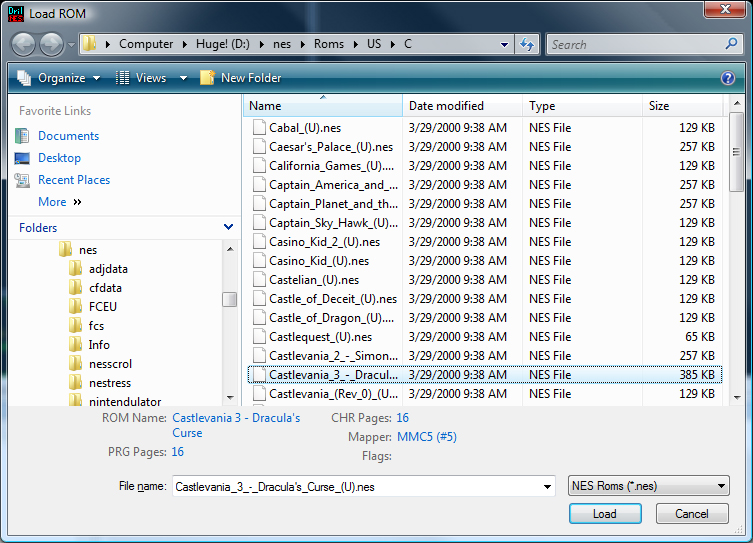
Also custom is the Rom load dialog (link to the screenshot, I was too lazy to make a thumbnail for this screenshot), though there is a custom one in XP as well. Basically, it lets you see relevant information about a ROM before you load it (and will also prevent you from loading unsupported ROMs).

But, in general, it’s nice to be “done” with it (though there are tons of things that I would like to do with it still).

2007.12.29 - Seriously, I Was Bored

No real dev updates. I’m still working on the behind-the scenes stuff. I got a bit bogged down with the asset management – turns out, handling on-the-fly asset streaming on the 360 using XNA is a tricky proposition, due to the garbage collection (which triggers every megabyte or so of allocation, grinding everything to a halt if your heap is too complex) and the XNA content management system (you can’t dynamically unload any given individual component – it’s all or nothing).

Because it’s been rather frustrating, I didn’t feel like coding tonight.

Instead, I did some image editing based on a dumb idea I had.


Click to enlarge

That’s all.

2007.11.04 - Slow Progress Is Still Progress

I’ve gotten less done recently that I would have liked, due to a lack of time to sit down at my computer. However, I did implement tiling perlin noise in-shader.

It uses the same basic technique as I used to set up the tiling noise (so you can read it in one of my earlier posts).

Basically, I can generate perlin noise that tiles at any given (integer) position.

Quite handy for generating tiling textures (because not everything I’m generating needs to be 3d)

Here are some examples. It’s hard to tell that they tile without actually tiling them yourself, but they do. So there.


Click to enlarge

So I used it to put together a seamless version of my earlier brick texture:


Click to enlarge

Finally, I did the same basic trick with the Worley (cellular) noise.

The first screenshot is a large area repeating Worley, the second repeats at a very small level so it should be obvious how it tiles, even looking at the thumbnail:


Click to enlarge

Next up: Maybe I should actually do something useful with these things.

2007.10.29 - Pumpkins: Great For Pie, Great For Faces

I haven’t had time to do any more work on my project the last couple days, but I did have time to carve some faces on some pumpkins. My wife requested that the rounded one be a happy face, so I got to make some sort of surprised “OMGWTFBBQ” face on the second.


Click to enlarge

kekeke

2007.10.27 - Jpeg Buoys Amidst a Sea of Text

So I put off working on this entry long enough that it’s now two entries worth of data in one.

Too Many Instructions: Cutting Down On the Noise

So, the implementation of Improved Perlin noise from GPU Gems 2 boils down to 48 pixel shader instruction slots (9 texture, 39 arithmetic). That’s one octave of noise. What I needed, desperately, was a faster implementation of noise, where the base quality doesn’t matter (especially useful for things such as fBm and the like).

In the FIRST GPU Gems, in the chapter on Improved Perlin Noise, Ken Perlin makes a quick note about how to make a cheap approximation of perlin noise in the shader, using a volume texture. The technique is straight forward, but it took me some effort to understand exactly what was supposed to go into the volume texture.

In my case, I ended up using a 32x32x32 volume texture to simulate an 8x8x8 looping sample of perlin noise space. Essentially, when sampling this texture, divide the world position by 8, and use that as the (wrapped) texcoord into the volume.

Crazy 8s: Modifying Perlin Noise To Loop At A Specified Location

The first trick is that it has to be LOOPING Perlin noise. But how do you generate such a thing?

Turns out, in the reference implementation of Improved Noise, there are a bunch of instances where there are +1s. For instance:

A = p[X  ]+Y;
AA = p[A]+Z;
AB = p[A+1]+Z;

B = p[X+1]+Y;
BA = p[B]+Z;
BB = p[B+1]+Z;

(Later, AA, AB, BA, and BB are also accessed with +1s).

Figuring out how to make the noise wrap at a specific value (in my case, 8), was a matter of rethinking those as follows:

A = p[X  ]; // note: no +Y here
AA = p[A+Y]  (+Z); // +Z in parens because it actually gets added later, like the Y does here
AB = p[A+(Y+1)] (+Z);

B = p[X+1]; // again, no +Y
BA = p[B+Y] (+Z);
BB = p[B+(Y+1)] (+Z);

So, really, the +1s are added to the coordinate added earlier.
So, to make the noise wrap at a certain value, you need to take those (coordinate+1)s and change each into a ((coordinate+1)%repeatLocation).

The final version of the texture shader that generates noise that loops at a specific location is as follows:

// permutation table
static int permutation[] = { 151,160,137,91,90,15,
131,13,201,95,96,53,194,233,7,225,140,36,103,30,69,142,8,99,37,240,21,10,23,
190, 6,148,247,120,234,75,0,26,197,62,94,252,219,203,117,35,11,32,57,177,33,
88,237,149,56,87,174,20,125,136,171,168, 68,175,74,165,71,134,139,48,27,166,
77,146,158,231,83,111,229,122,60,211,133,230,220,105,92,41,55,46,245,40,244,
102,143,54, 65,25,63,161, 1,216,80,73,209,76,132,187,208, 89,18,169,200,196,
135,130,116,188,159,86,164,100,109,198,173,186, 3,64,52,217,226,250,124,123,
5,202,38,147,118,126,255,82,85,212,207,206,59,227,47,16,58,17,182,189,28,42,
223,183,170,213,119,248,152, 2,44,154,163, 70,221,153,101,155,167, 43,172,9,
129,22,39,253, 19,98,108,110,79,113,224,232,178,185, 112,104,218,246,97,228,
251,34,242,193,238,210,144,12,191,179,162,241, 81,51,145,235,249,14,239,107,
49,192,214, 31,181,199,106,157,184, 84,204,176,115,121,50,45,127, 4,150,254,
138,236,205,93,222,114,67,29,24,72,243,141,128,195,78,66,215,61,156,180
};

// gradients for 3d noise
static float3 g[] = {
    1,1,0,
    -1,1,0,
    1,-1,0,
    -1,-1,0,
    1,0,1,
    -1,0,1,
    1,0,-1,
    -1,0,-1,
    0,1,1,
    0,-1,1,
    0,1,-1,
    0,-1,-1,
    1,1,0,
    0,-1,1,
    -1,1,0,
    0,-1,-1,
};

int perm(int i)
{
	return permutation[i % 256];
}

float3 texfade(float3 t)
{
	return t * t * t * (t * (t * 6 - 15) + 10); // new curve
//	return t * t * (3 - 2 * t); // old curve
}

float texgrad(int hash, float3 p)
{
  return dot(g[hash%16], p);
}

float texgradperm(int x, float3 p)
{
	return texgrad(perm(x), p);
}

float texShaderNoise(float3 p, int repeat, int base = 0)
{
	int3 I = fmod(floor(p), repeat);
	int3 J = (I+1) % repeat.xxx;
	I += base;
	J += base;

  p -= floor(p);

  float3 f = texfade(p);

	int A  = perm(I.x);
	int AA = perm(A+I.y);
	int AB = perm(A+J.y);

 	int B  =  perm(J.x);
	int BA = perm(B+I.y);
	int BB = perm(B+J.y);

  	return lerp( lerp( lerp( texgradperm(AA+I.z, p + float3( 0,  0,  0) ),
                                 texgradperm(BA+I.z, p + float3(-1,  0,  0) ), f.x),
                           lerp( texgradperm(AB+I.z, p + float3( 0, -1,  0) ),
                                 texgradperm(BB+I.z, p + float3(-1, -1,  0) ), f.x), f.y),
                     lerp( lerp( texgradperm(AA+J.z, p + float3( 0,  0, -1) ),
                                 texgradperm(BA+J.z, p + float3(-1,  0, -1) ), f.x),
                           lerp( texgradperm(AB+J.z, p + float3( 0, -1, -1) ),
                                 texgradperm(BB+J.z, p + float3(-1, -1, -1) ), f.x), f.y), f.z);

}

Whee!

Noise + Real Numbers + Imaginary Numbers == ???

So, the second trick: the texture actually needed to contain two values (R and G channels), to act as real and imaginary parts. Very simple, I added a base parameter (in the code above) so that I could offset into a different 8x8x8 cube of noise. I drop a different 8x8x8 noise into the G channel.

Finally! We have a texture with 8x8x8 noise. But 8-cubed noise sucks, because it’s ridiculously repetative. That’s where that weird imaginary part comes into play. You sample the 8-cube volume again, but at 9x scale (so it’s lower frequency). You then use the (real component of) high-frequency as an angle (scaled by 2pi) to do a quaternion rotation on the low-frequency noise.

float noiseFast(float3 p)
{
  p /= 8; // because the volume texture is 8x8x8 noise, divide the position by 8 to keep this noise in parity with the true Perlin noise generator.
  float2 hi = tex3D(noise3dSampler, p).rg*2-1; // High frequency noise
  half   lo = tex3D(noise3dSampler, p/9).r*2-1; // Low frequency noise

  half  angle = lo*2.0*PI;
  float result = hi.r * cos(angle) + hi.g * sin(angle); // Use the low frequency as a quaternion rotation of the high-frequency's real and imaginary parts.
  return result; // done!
}

And that’s it! Compare the instruction counts of the real Perlin noise to this fast fake:

Old (high-quality):  approximately 48 instruction slots used (9 texture, 39 arithmetic)
New (lower-quality): approximately 20 instruction slots used (2 texture, 18 arithmetic)

Essentially, wherever I don’t need the full quality noise, I can halve my instruction count on noise generation. Score!

Here’s a comparison: on the left, the weird confetticrete chair with the original noise, and on the right is the new faster noise:


Old (left) vs. New (right)
Click to enlarge

They look roughly the same, there are some artifacts on the new one (the diamond-shaped red blob on the upper-right of the new chair due to the trilinear filtering), but it’s way faster.

Cellular Noise

Okay, I have some cool perlin noise stuff. But man cannot live on Perlin noise alone, so I decided to implement cellular noise, as well.

Turns out, there’s something called Worley noise which does exactly what I was hoping to do. Implementation was pretty simple.

void voronoi(float3 position, out float f1, out float3 pos1, out float f2, out float3 pos2, float jitter=.9, bool manhattanDistance = false )
{
  float3 thiscell = floor(position)+.5;
  f1 = f2 = 1000;
  float i, j, k;

  float3 c;
  for(i = -1; i <= 1; i += 1)
  {
    for(j = -1; j <= 1; j += 1)
    {
      for(k = -1; k <= 1; k += 1)
      {
        float3 testcell = thiscell  + float3(i,j,k);
        float3 randomUVW = testcell * float3(0.037, 0.119, .093);
        float3 cellnoise = perm(perm2d(randomUVW.xy)+randomUVW.z);
        float3 pos = testcell + jitter*(cellnoise-.5);
        float3 offset = pos - position;
        float dist;
        if(manhattanDistance)
          dist = abs(offset.x)+abs(offset.y) + abs(offset.z);
        else
          dist = dot(offset, offset);
        if(dist < f1)
        {
          f2 = f1;
          pos2 = pos1;
          f1 = dist;
          pos1 = pos;
        }
        else if(dist < f2)
        {
          f2 = dist;
          pos2 = pos;
        }
      }
    }
  }
  if(!manhattanDistance)
  {
    f1 = sqrt(f1);
    f2 = sqrt(f2);
  }
}

The gist is that each unit cube cell has a randomly-placed point in it. for each point being evaluated by the shader, you find the distance to the nearest point (a value called “F1″), and the distance to the next-nearest (“F2″), etc (to as many as you care about – though anything past F4 starts to look similar and uninteresting). Using linear combinations of these distances gives interesting results:


Left: F1 Right: F2
Click to enlarge


Left: F2-F1 Right: (F1+F2)/2
Click to enlarge

Something cool to do, also, is to use Manhattan distance instead of standard Euclidian distance to calculate the distance. You end up with much more angular results. Here are the same 4 calculations, using manhattan distance:


Click to enlarge

Considering that a few levels of my current project will take place in a metallic fortress, this will especially come in handy.

So, what can you do with these?

I, predictably, have made a few test textures:


Click to enlarge

Also, it still looks pretty cool if you use fBm on it. For instance:


4 octaves of F1 Worley noise

But I hear you asking “duz it wrok n 3deez, Drilian?!?!?!” Oh, I assure you it does!


Click to enlarge

And now I hear you asking “Can u stop typing nau? I is tir0d of reedin.” (or alternately, “I is tir0d uv looking @ imagez sparsely scattered thru the text taht I dun feel liek reedin.”) To this, I say: Sure, but it worries me that you’re asking your questions in some form of lolcat.

That’s all I got.

2007.10.24 - Short Skirt, Long Jacket

So yesterday I got the crack filling up and running.

Tonight, I improved the routine dramatically.

The Trouble With Texcoords

The problem was, the edge-expanding algorithm I used was detecting way more edges than it needed to. Here’s an image of a normal map generated using this (old, bad) method (I made it render ONLY the skirts, for illustration):


Click to enlarge

As you can see, way more edges through the UV charts were getting expanded than necessary. This was messing up the maps, because there were angles and edges where there didn’t need to be, and it was introducing artifacts, especially at lower mip levels.

The problem arose because each of those “extra” edges marked areas where the vertex positions were the same, but the texcoords were different. Since the original algorithm was using the vertex’s index as the identifying feature, each time there was a texcoord change meant that the indices for neighboring triangles were different, blah blah blah, you get the point.

UV: Vectors, Not Rays

Basically, the system was rewritten to glom together vertices with the same uv map coordinates, and treat them as one single vertex. All of those interior edges get discarded. Because a single “vertex” could actually be composed of multiple source vertices, the edge expanding code had to be modified to take that into account.

Here’s the old way again, followed by the NEW way (And then the new way completely filled in):


Click to enlarge

As you can see, they’re now proper outlines (not outandsometimesinlines), and the actual outer areas are much cleaner.

I Don’t Think That Clown Is Healthy

So, here’s a new render (and its diffuse map). I modified the concrete because I was sick of all of my pictures being grayscale, so here’s my artist’s rendition of “Gray Chair That A Clown Puked Onto”:


Click to enlarge

That’s all! I’m going to release the code that I’m using for all of this, but I want to clean it up just a bit, and add variable gutter width support (instead of the lame hardcoded way that I have it now).

But for now…away!

2007.10.24 - The Big Procedural Easy

I took it easy today, so I was barely near the computer, but I did make some awesome progress.

Last night, I was able to finally get a prototype of my texture caching setup going.

Diffusing the Procedural Situation Using Bad Puns

Right now, it’s a command-line tool that does the following:

  • Loads up a mesh and UV atlases it to get unique texture coordinates for the entire mesh (similar to what you’d do for lightmapping
  • Loads a D3DX effect
  • Renders the mesh into the a render target, using the UV atlas texcoords as position, using the actual model’s position/normal as shader inputs to generate the noise
  • Writes both the UV atlased mesh and the rendered texture to file

Simple enough. What I ended up with was as follows:


Click to enlarge

Not bad, but for two things:

  1. No normal mapping (per-vertex normals only)
  2. Cracks along the seams of the UV maps.

Both are solvable problems, and I opted to tackle the normal mapping first.

Returning to Normalcy

How does one generate a normal map with a procedural function?

In my case, I have the procedural function not only generate a color but a height. Generating three heights in close proximity (using (pos), (pos+tangent*scaler), (pos+bitangent*scaler)) gives me two edges which I can take the cross-product of to get a pixel normal map. Adding this gave me some better shading (but didn’t fix the cracks):


Click to enlarge

The normal map generated is in object space (though it could easily be in world space, assuming a static object). This simplifies the lighting code (I simply transform the light position by the inverse world matrix before passing it to the shader) and eliminates the need for tangent and bitangent (yes, bitangent, not “binormal”) vectors.

Cracks are Unappealing on Plumbers AND Procedurally-Textured Models

Finally, it was time to solve the cracking problem. I decided to solve it by using skirts around the edges of the UV map sections. Essentially, they’re degenerate textures in the actual mesh (the positions are the same), but the UV coordinates are expanded to fill in some of the gapping.

Basically:

  • Use your favorite method to get a list of edges that are only used once
  • Use these edges to generate “UV normals” for each vertex (which has two edges, one leading in and one leading out), which are basically ( perpendicular[(edge+edge2)/2] ).
  • duplicate each vertex, move its UV coordinate some distance along this uv normal
  • Create new strips of indices, using the old and new
  • render these into the UV map first, before rendering the standard data

This basically puffs out each procedurally-generated area, as you can (maybe) see here (Easier to see at full size):


Click to enlarge

Thus, when the UV coordinates along the edges of these areas either go out of bounds or blend with the no-man’s-land around the texture, it blends with data that’s very close to what it’s near, hiding the cracks.

The result:


Click to enlarge

And that’s “all” there is to it!

The UV atlasifying and skirt generation will be a pre-process, so all of the vertex (mesh) data will be ready for immediate rendering into the texture after load.

Woot!